
3.5.23 - Voucher Reference Pools
This release introduces more flexibility for storefront design, new voucher PDF customisation options, self-managed voucher reference pools and expanded timezone support.
Storefront Design
Optional Hero Banner for Destination Template
The hero banner is now optional on the Destination template. You can remove it from your storefront if it isn't needed and add it back at any time.
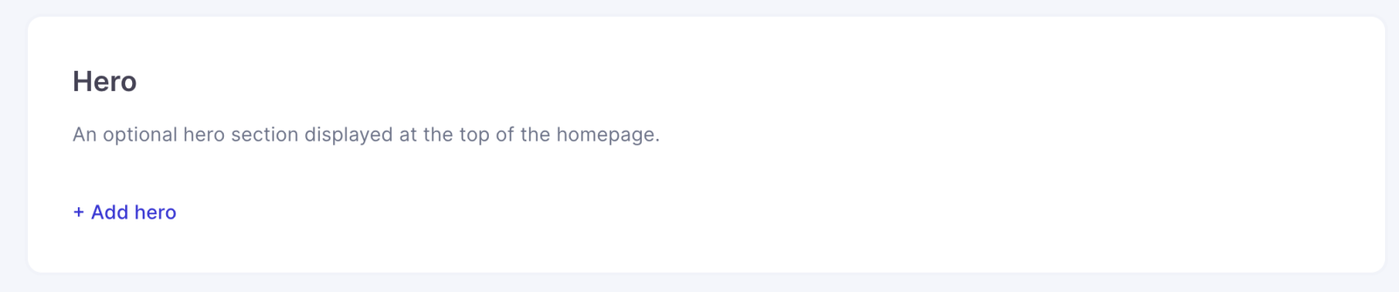
To manage your hero banner, go to Stores > Design.
Show or Hide the How It Works Card
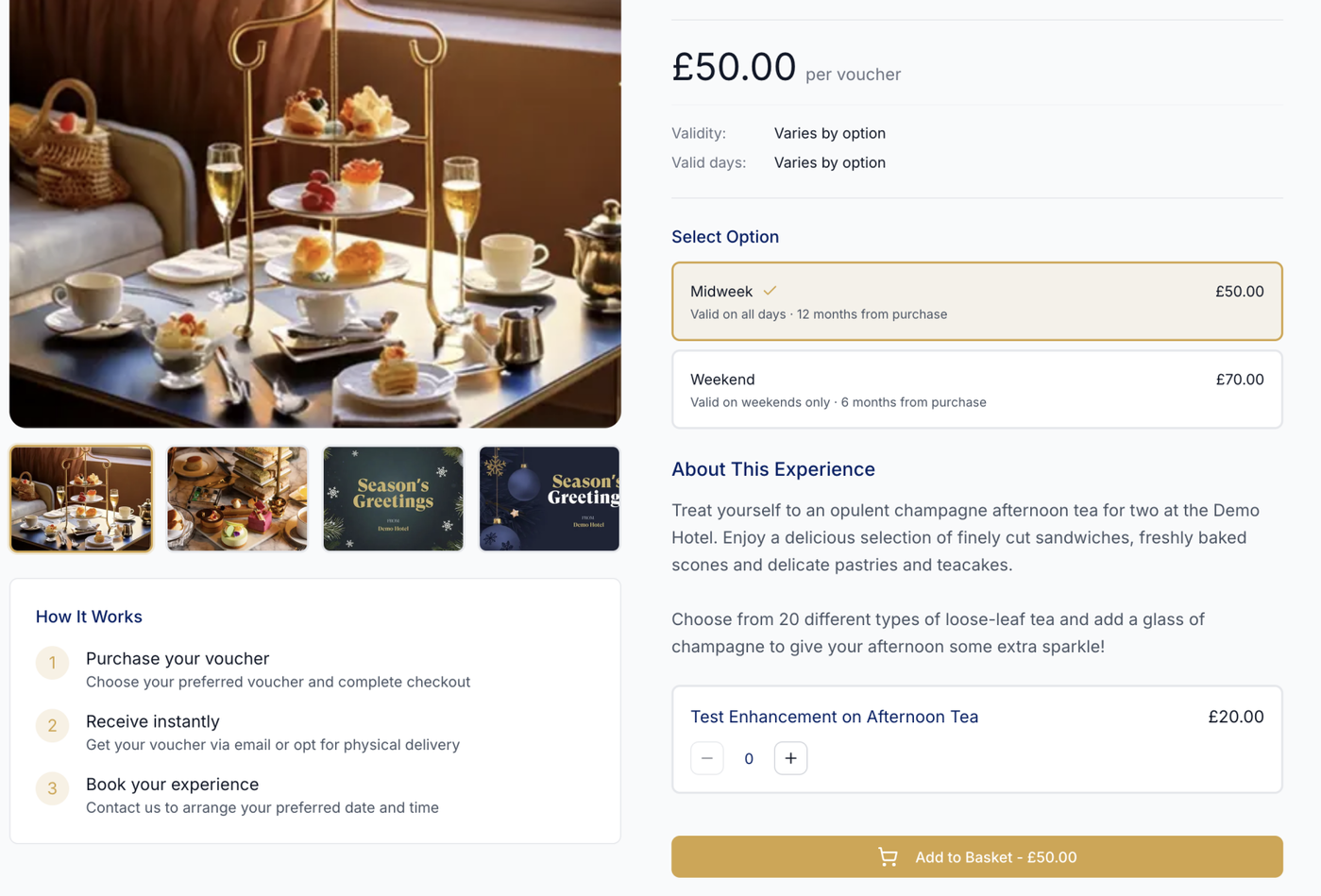
We've added a new setting to the Destination template that allows you to show or hide the three-step How It Works card on product pages.
This gives you more control over your product page layout, particularly if the standard steps don't reflect how your vouchers are purchased or redeemed.
Voucher PDFs
New A5 PDF Design: Classico 2
We've introduced a new A5 voucher PDF template, Classico 2, offering additional space for voucher content.
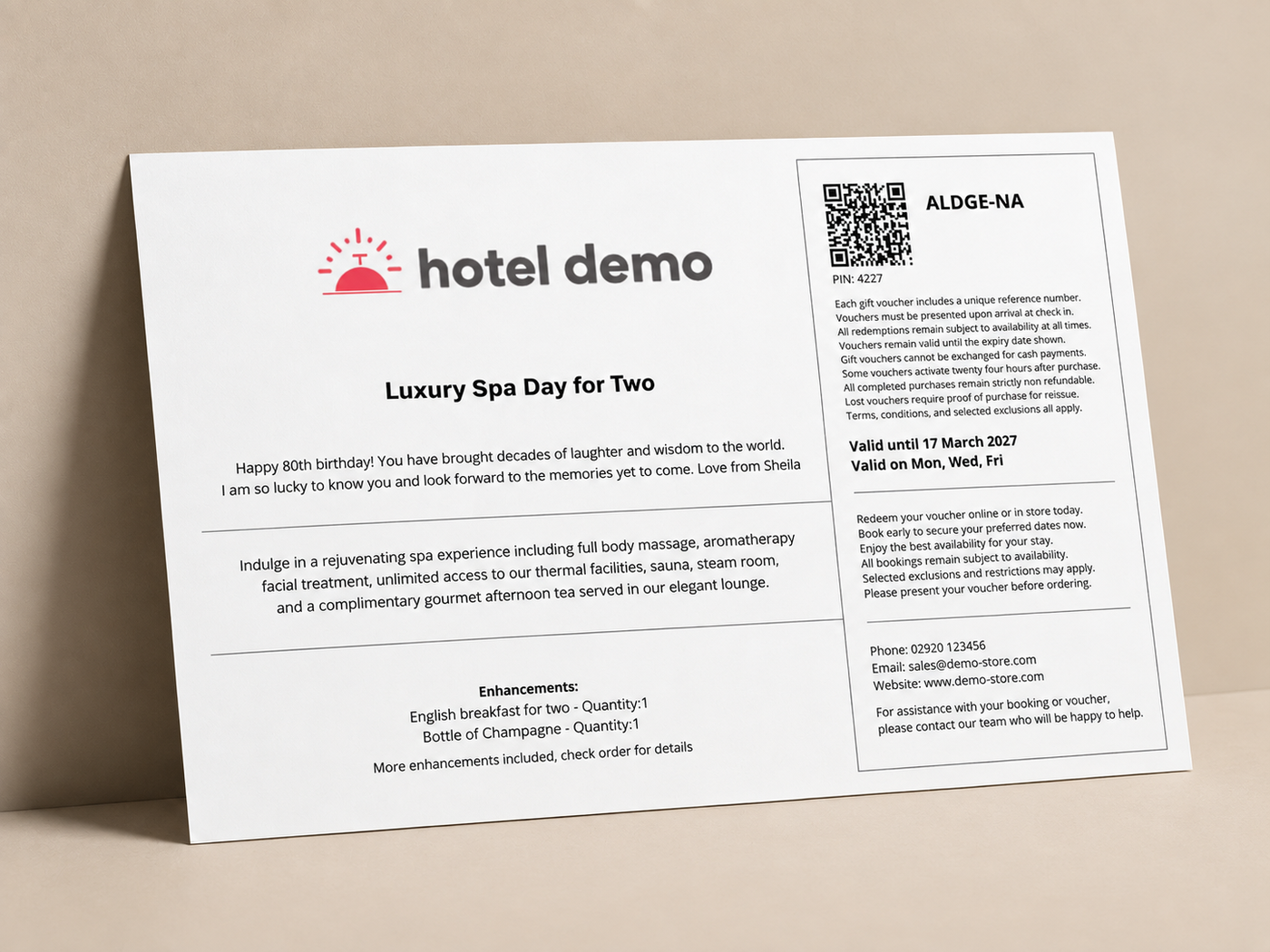
The new design supports up to 1,650 characters across 27 lines, making it ideal for vouchers requiring longer descriptions or additional information.
Custom Font Colour for Image Central (A4)
You can now customise the font colour on the Image Central A4 voucher PDF template, giving you greater flexibility to match your brand's colours and design.
To update the font colour, go to Stores > Fulfilment > PDF Design.
Voucher Reference Pools
New: Self-Managed Voucher Reference Pools
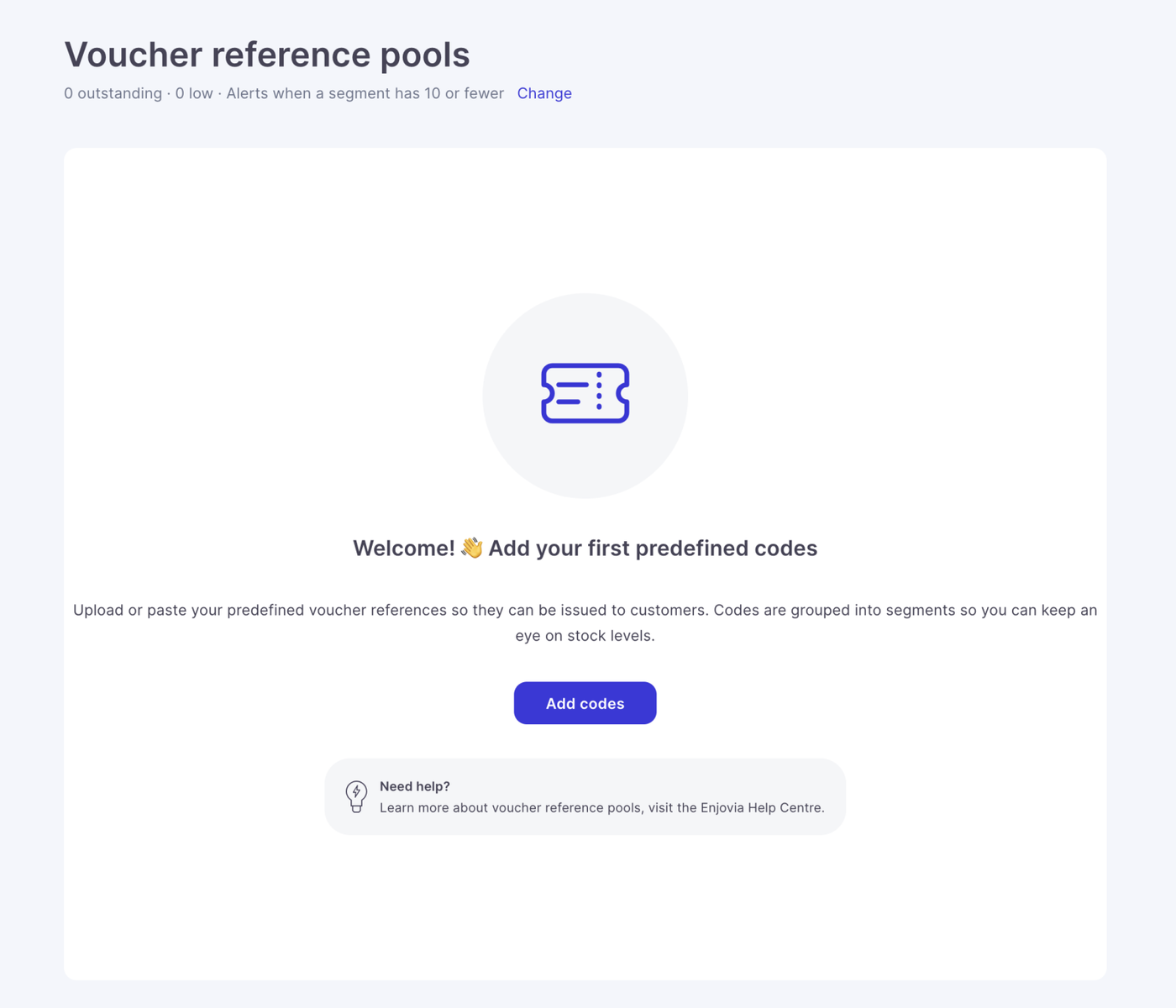
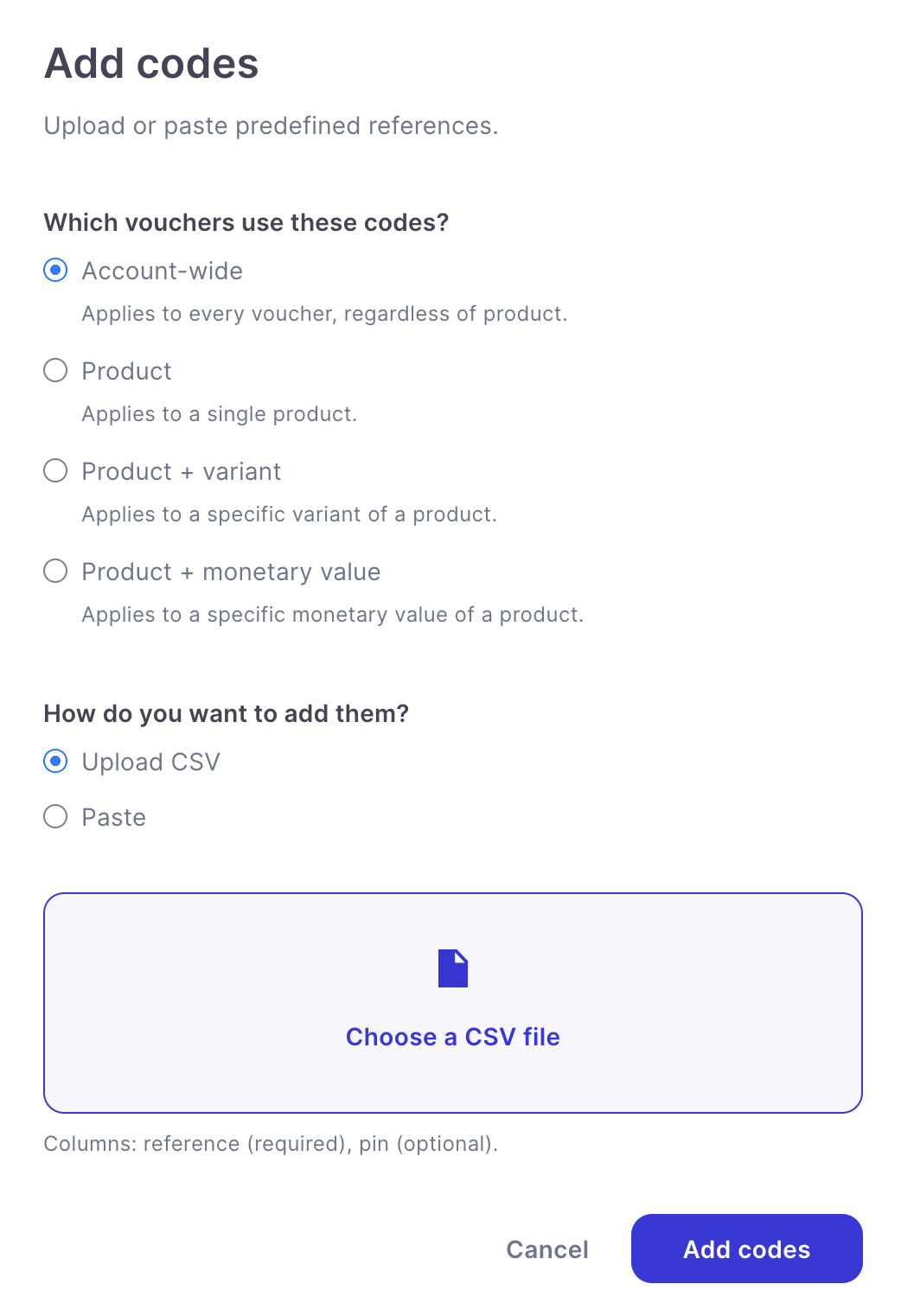
You can now create and manage your own voucher reference pools directly within Enjovia.
This feature is particularly useful for businesses that need to issue vouchers using pre-existing reference numbers or codes supplied by external systems.
You can now:
- Upload references via CSV: Import your own voucher references without assistance from our support team.
- Assign references to products or monetary values: Create dedicated pools for specific products or voucher denominations.
- Monitor available references: See how many references remain available in each pool.
- Receive low-stock email alerts: Get notified automatically when a reference pool is running low.
- Set your own alert threshold: Configure when low-stock notifications are triggered under Settings > General.
Voucher reference pools can be managed under Settings.
Account Settings
Expanded Timezone Support
We've significantly expanded the list of supported timezones to make Enjovia more accessible for businesses operating internationally.
The updated list now includes 97 timezones, covering major cities worldwide and supporting both half-hour and quarter-hour UTC offsets.
This includes regions such as India (UTC+05:30) that weren't previously represented accurately.
Each timezone now displays its UTC offset, making it easier to select the correct setting for your location.