
3.5.3 - Payment Link and QR code overhaul
Payment Links
Enjovia can now send payment links from the quick checkout. allowing links to be sent to customers to facilitate safe and compliant phone and face to face orders where card machines and cash are not available. The payment is processed through the payment gateway.
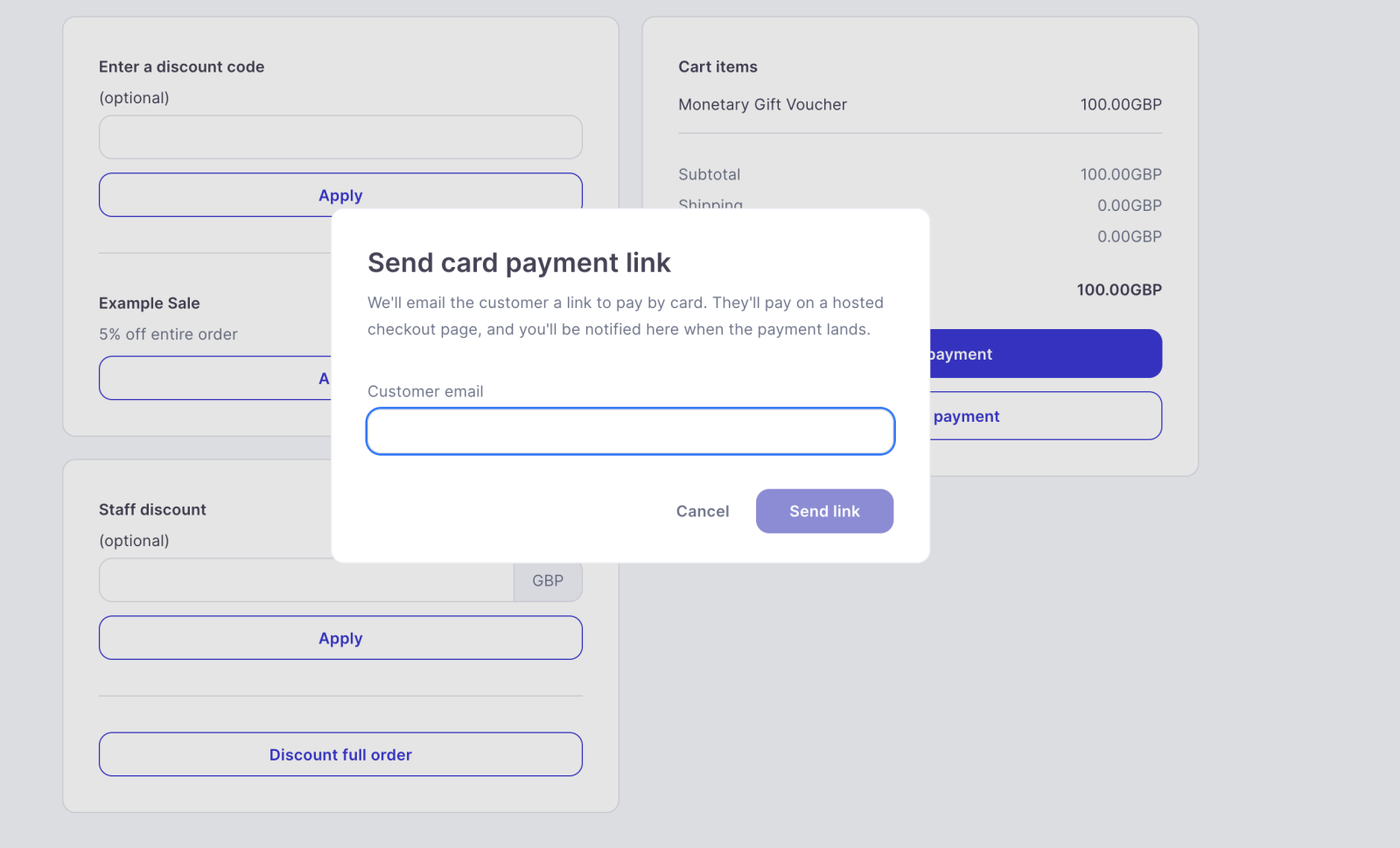
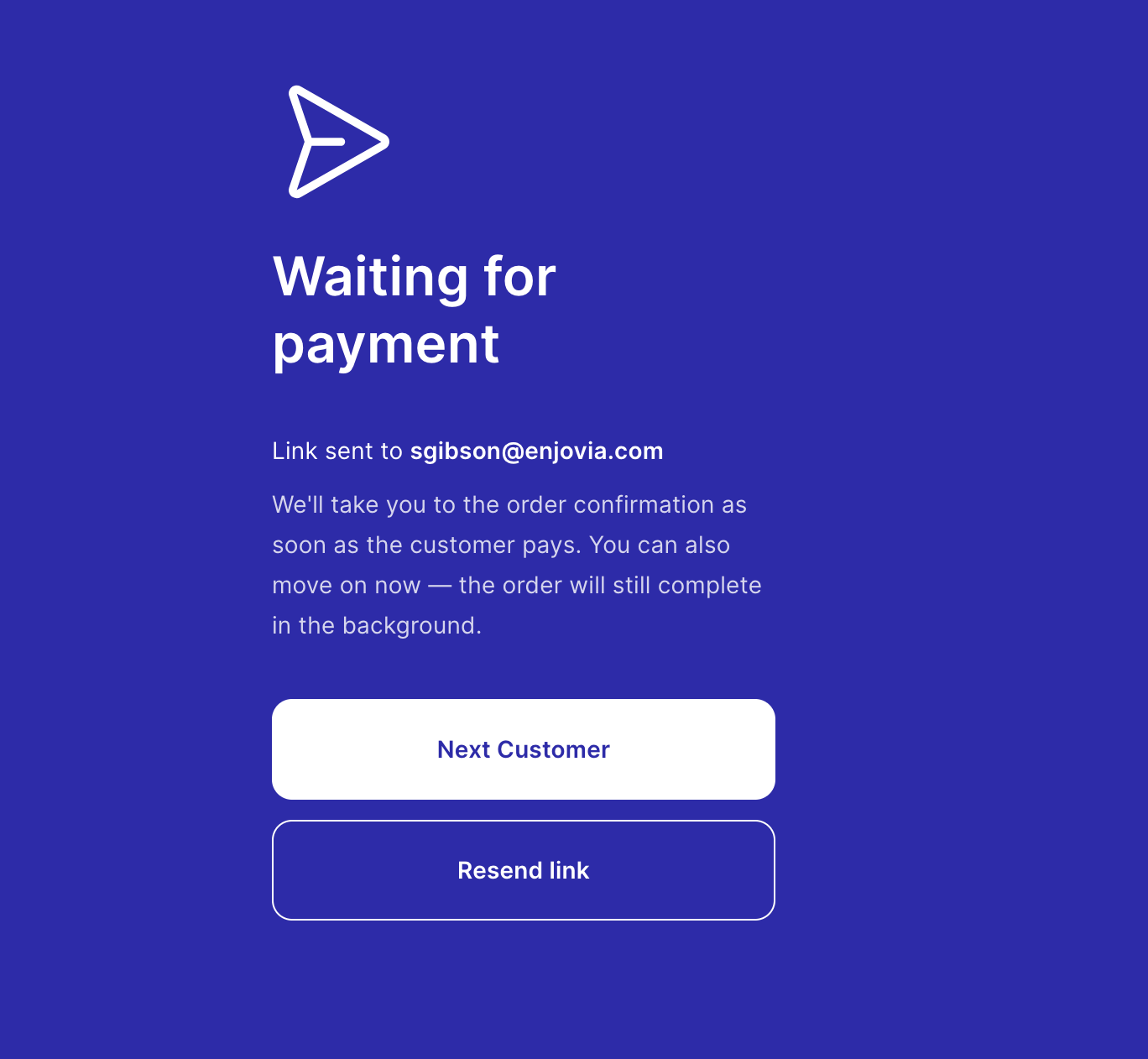
The agent will then see this screen.
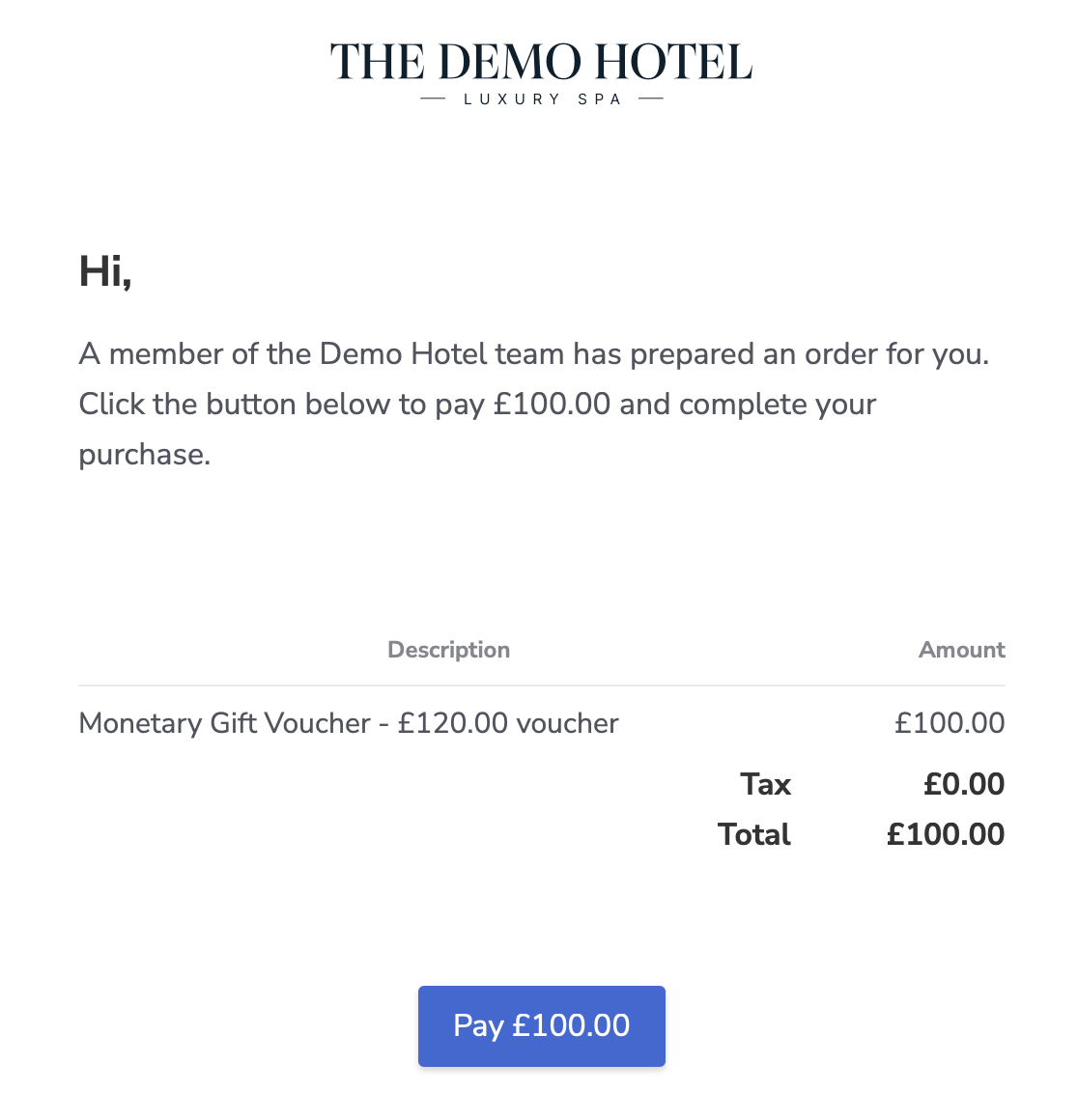
Finally an email is sent to the customer to put in their own card details, they have 24 hrs to pay the link.
Destination Tax Fix
We’ve resolved an issue affecting tax calculations on destination products, helping ensure pricing and tax handling remain accurate across destination-based voucher sales.
Olympia Product Description Formatting
Product descriptions in Olympia now correctly preserve line breaks, making longer descriptions easier to read and better formatted on the customer-facing page.
Destination Product Page Update
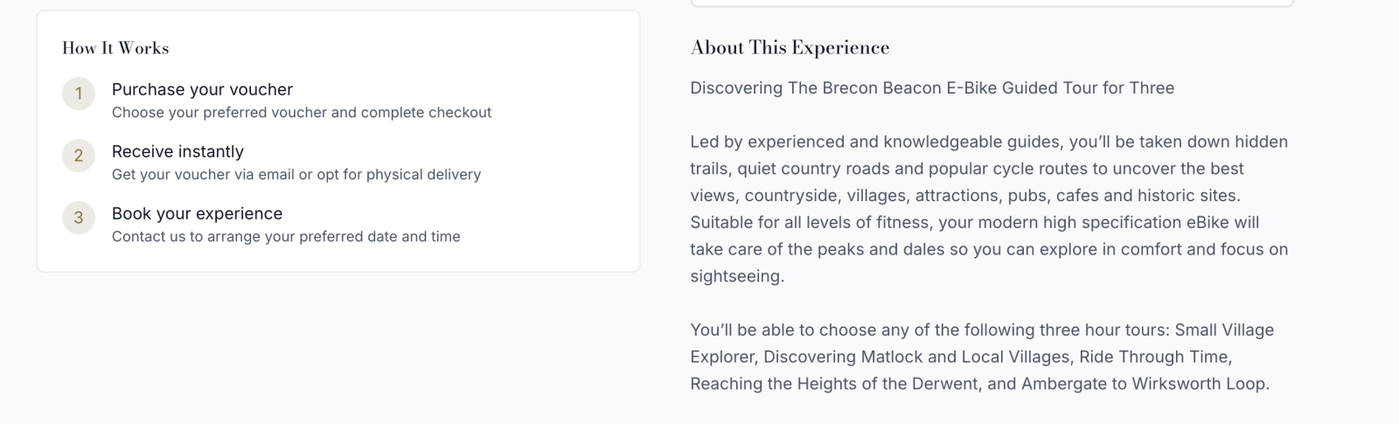
Short descriptions have been removed from destination product detail pages, creating a cleaner layout and avoiding duplicated or unnecessary product content.
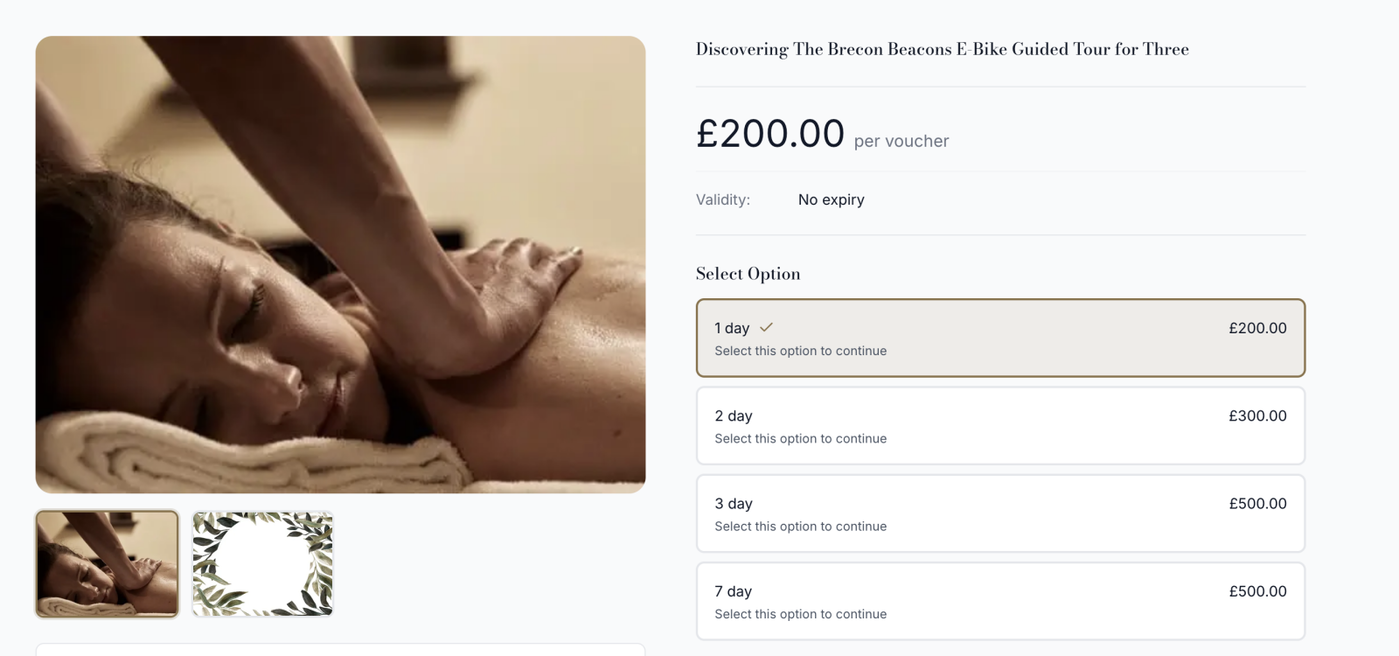
Store-Level Voucher Balance Page Controls
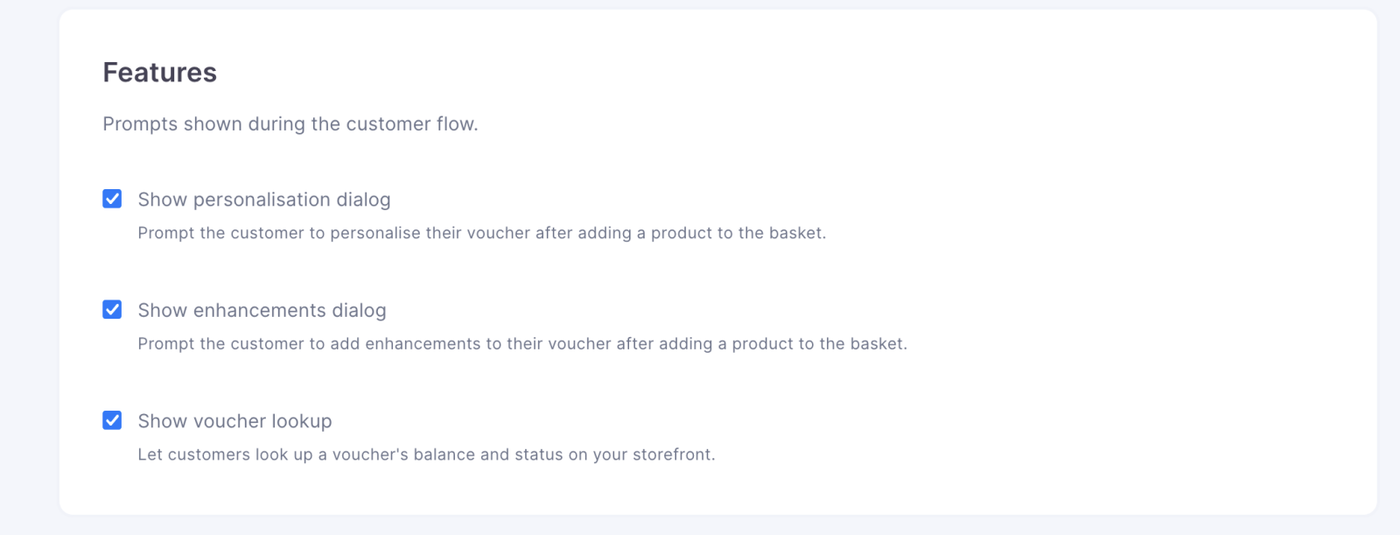
Stores can now enable or disable the voucher balance check page individually. This gives each store greater control over whether customers can check voucher balances online. This can be found in the store design section of each page, you can also now disable personalisation dialog too.
Customisable Destination Headings and Button Text
Based on a partner request, destination design headings and button text can now be customised, with the option to leave them blank where they are not required, so they will not appear. This allows stores to tailor destination pages more closely to their own brand and customer journey.
Store-Level PIN and QR/Barcode Settings
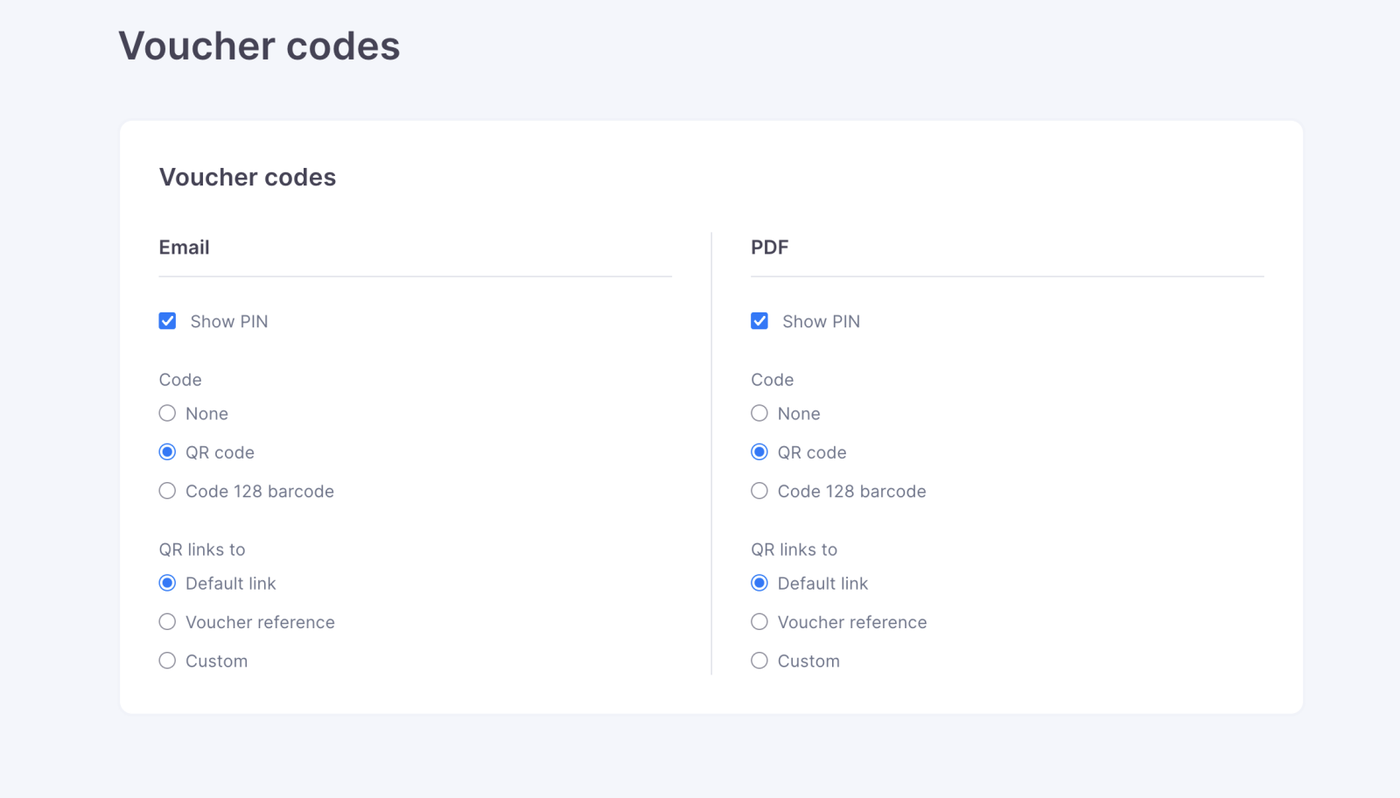
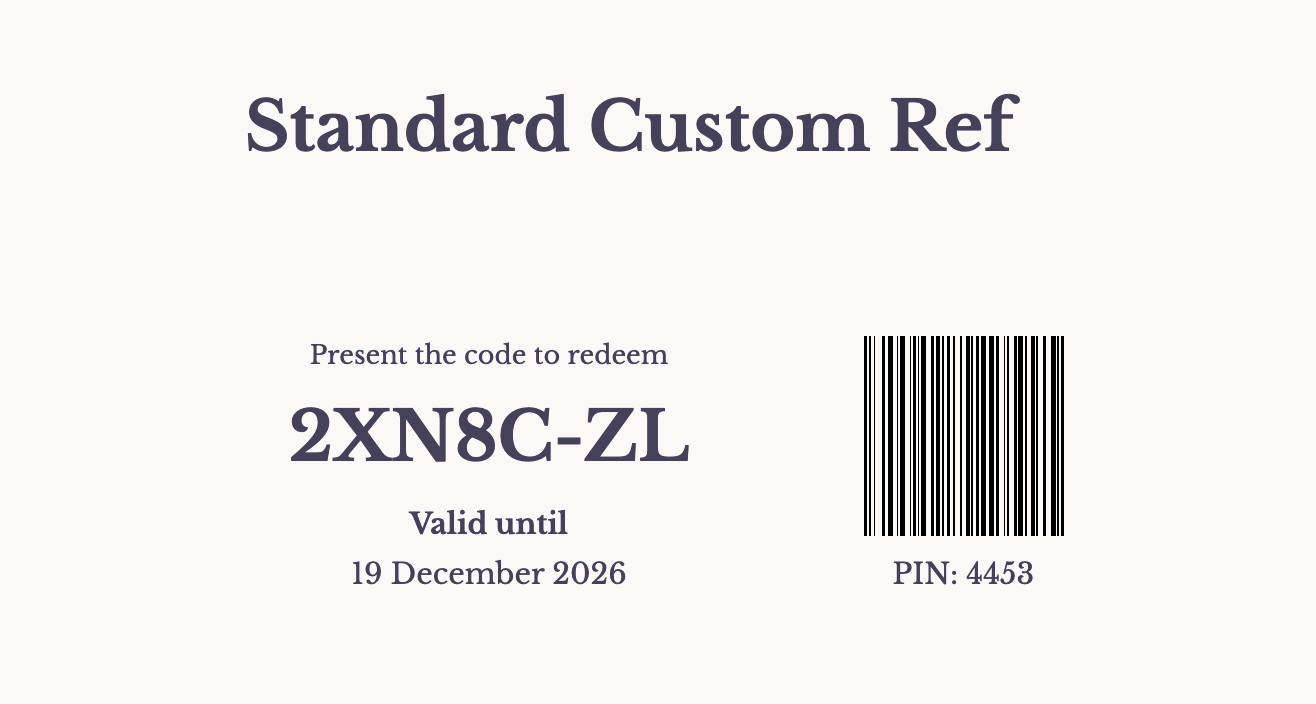
PIN, QR code and barcode settings can now be configured per store, giving greater flexibility over how vouchers are displayed and redeemed. Stores can also customise the QR code destination, allowing QR codes to direct customers to the most relevant page or experience, and Barcodes to be used instead of QR codes.
Destination Product Terms
Terms and conditions can now be set for destination products, rather then the generic terms, making it easier to display clear usage information and purchase conditions for customers.
Predefined PINs and Voucher References
PINs can now be predefined alongside voucher references, allowing future vouchers to use preset PIN and reference combinations. This helps support more controlled voucher creation workflows and improved operational consistency.