
3.5.26 - Quantity Selectors on Storefront
Customers can now purchase multiple copies of the same voucher in a single step with our new Quantity Selectors feature.
When enabled, quantity selectors appear on your storefront, allowing customers to add up to 20 identical vouchers at once, all with the same personalised message and enhancements.
Across both designs:
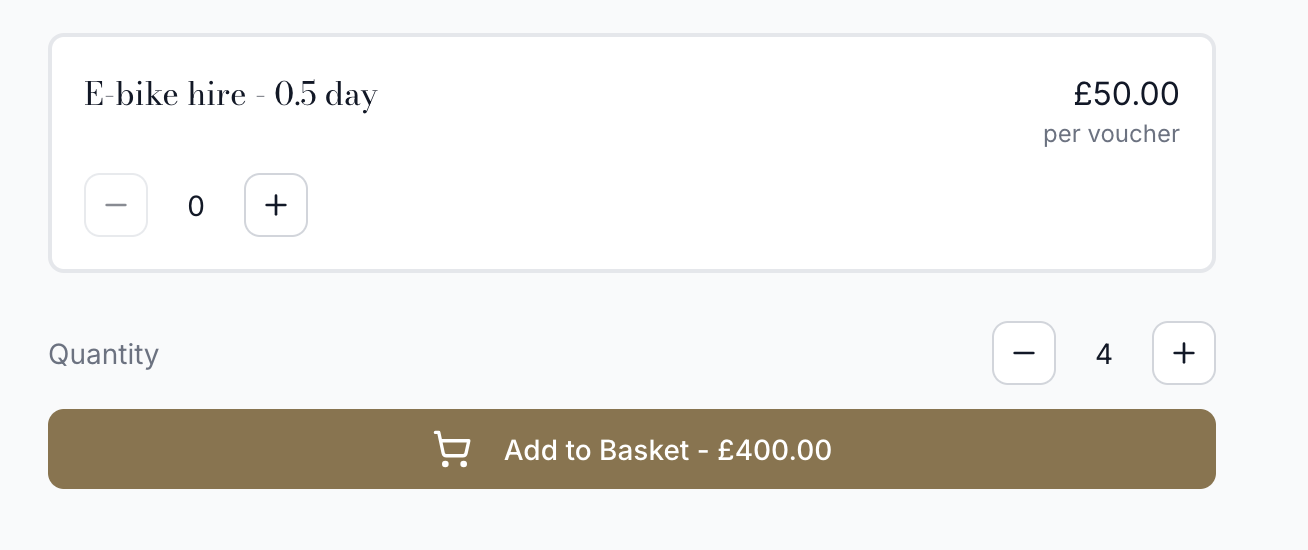
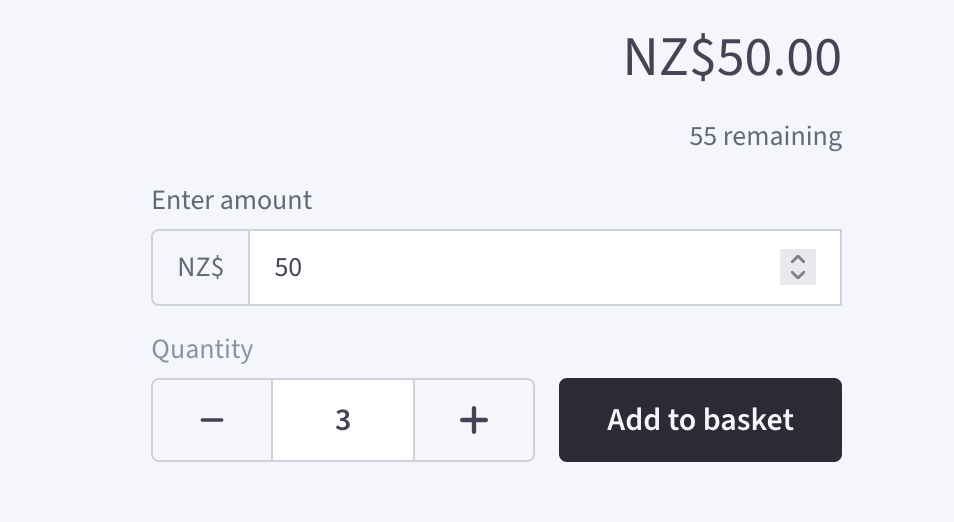
We've also updated the wording throughout the checkout process to make purchasing multiple vouchers feel seamless and intuitive.
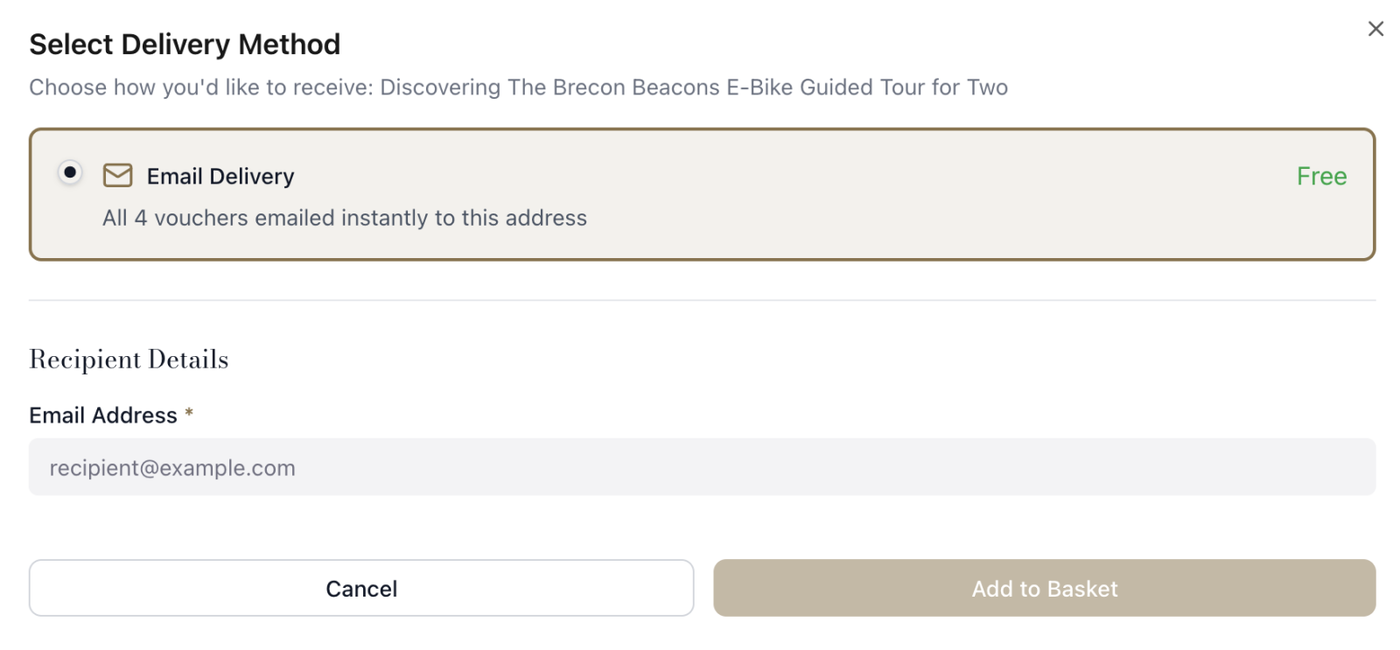
This is particularly useful for customers buying multiple gifts for staff, friends or family, saving them time by removing the need to add each voucher individually.
How to enable it
Head to Stores > Design and scroll to the bottom of the page. Here, you can switch Quantity Selectors on or off for your store.
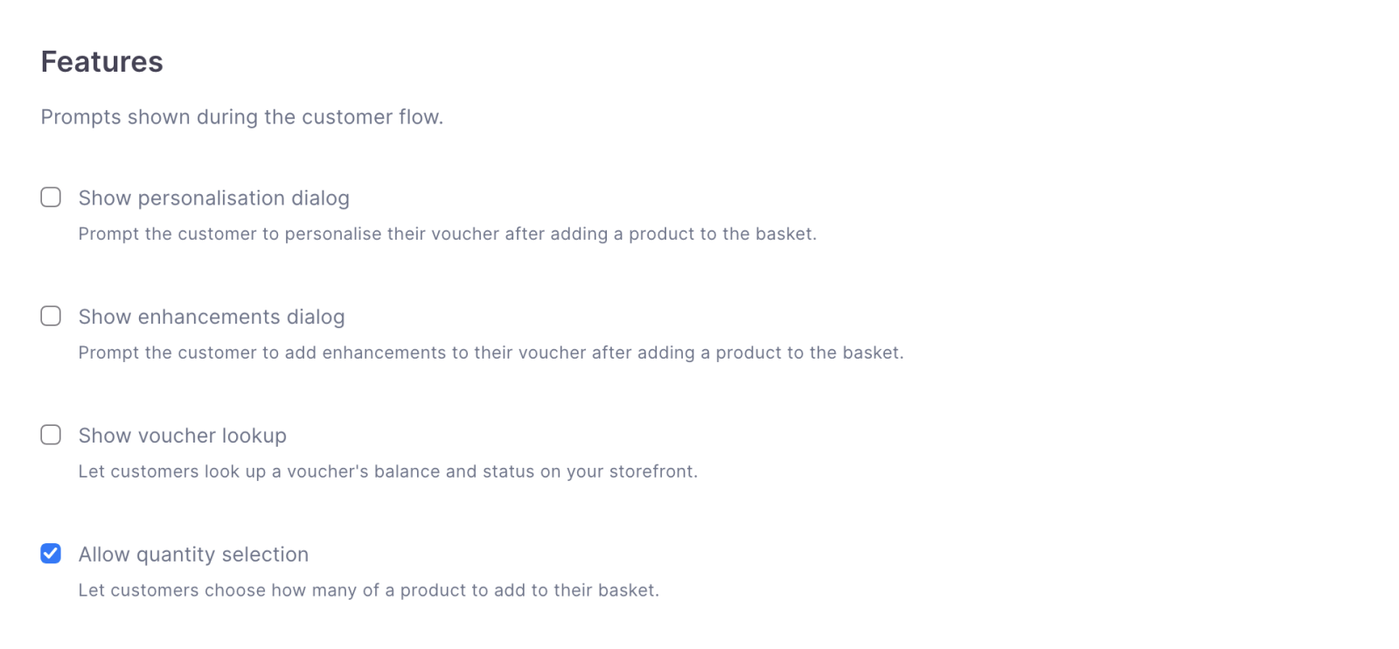
Once enabled, customers will see the new quantity controls on your product pages.
We will also be adding a quantity selector to the terminal in the next few updates.